
What Haircut Suits Me? Check It From One Photo Before Your Next Cut
Wondering what haircut suits me? Use one clear photo to read a hair report, compare close variations, and prepare a useful salon or barber reference.
To answer “what haircut suits me?”, start with a clear photo, review a proposed cut on your own face, and check whether it fits your texture and routine. The What Hairstyle Suits Me report gives you one recommendation with three views and reasons to discuss with your stylist. It is a styling suggestion, not a professional diagnosis.
Last updated: October 14, 2026 · about 7 min read
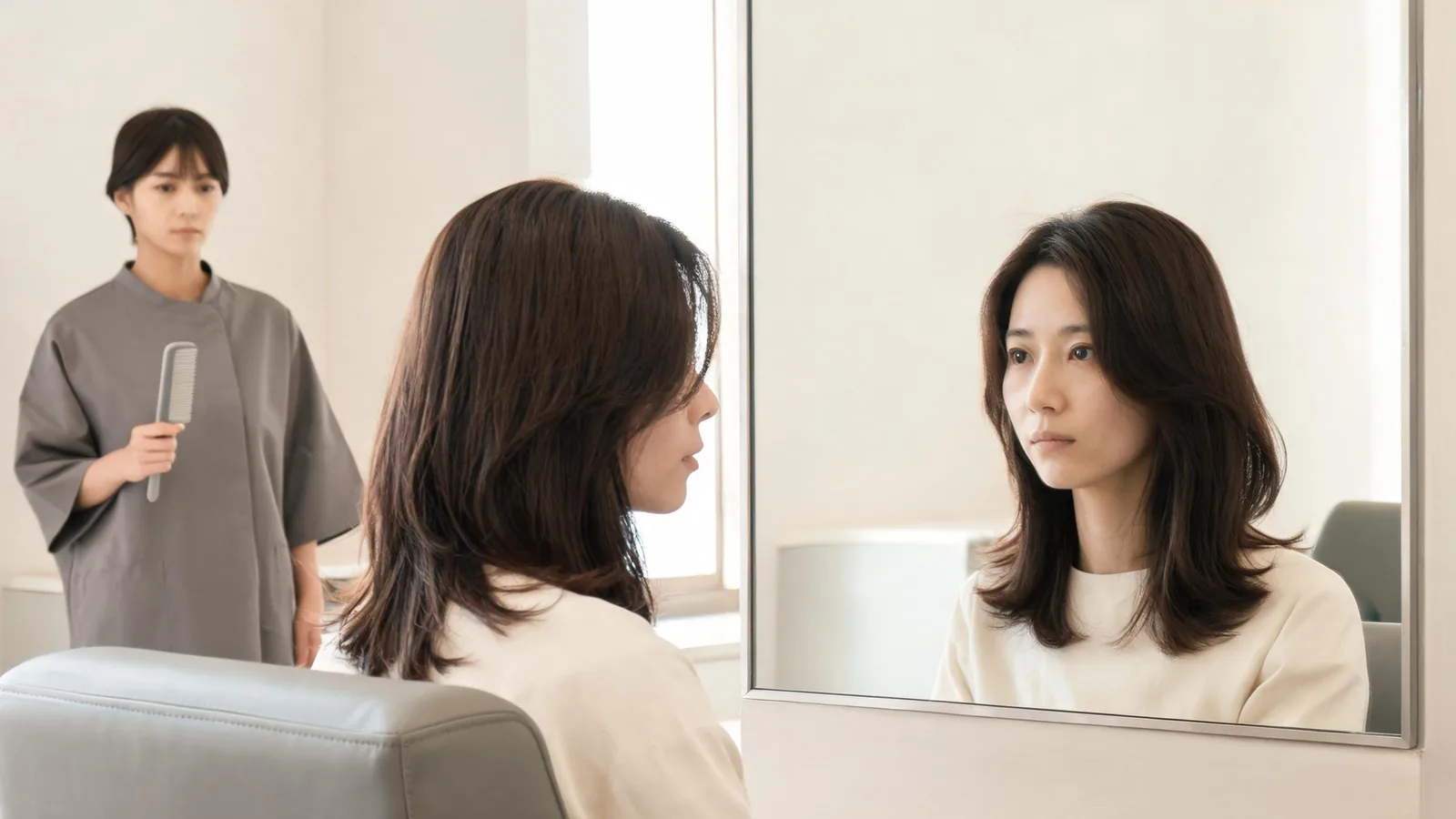
This tutorial follows AIChangeHair's photo report and editor as available on October 14, 2026. It is written by the team that operates the tool. The cover is an illustrative salon scene, not a report screenshot or a promised haircut result. For a genuine example of the report layout, use the sample on the report page.
How do you choose a photo that gives useful guidance?
Choose a recent portrait taken straight on, with your head level and your face, hairline, and shoulders clearly visible. Stand in even light and keep the camera far enough away to include the crown. A tilted selfie can distort proportions.
Use a plain background when possible. Remove hats and sunglasses, and avoid a beauty filter that changes the jaw, skin, or forehead. If hair covers most of your face, take another photo that exposes the outline without pulling the hair tight. Keep enough of your current hair visible to show its length and general texture.
Upload a photo of yourself or someone who agreed to its use. Before sharing a portrait with any service, read its current privacy information and decide whether you are comfortable uploading it. A stranger's photo is not a substitute for your own proportions or permission.
How do you run the hair report in three steps?
- Open the report page and sign in. Start from the dedicated report entry rather than choosing a haircut preset first. The studio opens on the report task. Check the requirements shown in your session before starting.
- Upload your clear portrait and run the report. Use one person in the frame. Let the request finish before deciding that a new request is necessary. Use the original photo rather than a cropped preview.
- Read the whole board before choosing a direction. Look at the analysis, all three haircut views, the reasons, and the color recommendation. Save the complete result so your eventual reference includes context, not just the most flattering crop.
The report is not a grid of unrelated cuts. It returns one board: the original photo with face and feature analysis, one recommended haircut from the front, side, and back, three or four reasons, and one named hair color with a swatch. Another run gives a different cut and color direction; it is not a precise control for changing only fringe length.
What does each part of the report tell you?
| Report section | What to examine | What still needs your judgment |
|---|---|---|
| Original and face analysis | Face shape, proportions, hairline, and key features | Whether the photo represents your usual appearance |
| Front view | Fringe, parting, face framing, and overall width | Whether you like the amount of forehead and face shown |
| Side and back views | Suggested profile, length, and neckline shape | Whether your real hair can achieve that outline |
| Three or four reasons | The explanation connecting the cut to visible features | Whether those priorities match your preferences |
| Named color and swatch | A proposed shade direction | Whether you want a color change and what it would require |
The page's sample report uses an ordinary photo of a woman with long, straight hair. It describes an oval face and recommends a chin-length blunt bob with fringe in cool ash brown. That is the page's own example, not a prediction of what you will receive. Your recommendation may be entirely different.
How should you use the face analysis?
Compare its description with the source photo first. A tilted head, hidden hairline, or strong shadow can make a face look different. If the analysis seems disconnected from the photo, retake the portrait before relying on the recommendation.
Face shape can help organize choices, but it should not become a rule about what you are allowed to wear. Our guide to what hairstyle suits your face explains the chart approach. Here, use the report to connect a visible feature with a specific choice: where the fringe ends, how the sides sit, or how much volume appears above the forehead.
Why do the side and back views matter?
A front view can hide a short nape or a large change in the profile. Check whether you like the proposed cut all the way around. If the front looks soft but the back seems much shorter than you expected, that difference deserves a conversation before the appointment.
Remember that those are generated views of a suggested haircut. Your front-facing input does not document your actual crown, growth pattern, or back hairline. A stylist can examine those details in person and adjust the outline.
How do you read the reasons and color swatch?
Keep cut and color decisions separate. The named shade and swatch communicate a direction, not an exact salon formula or a promise about the dye result. If you like the cut but want your current color, note that clearly before comparing further previews.
How do you check whether the recommendation fits daily life?
Use a simple decision note with four entries: length you want to retain, styling effort you accept, texture you want to preserve, and anything your hair must do for work or exercise. Then compare the report against those entries. A recommendation that misses a requirement can still inspire an adapted cut.
For everyday styling, the American Academy of Dermatology's guidance on tight hairstyles advises loosening styles that pull on the hair. If tying your hair back is part of your routine, discuss a comfortable option rather than choosing an outline that depends on tension.
Save the detail you like, and name the detail you would change. “Keep this length, but soften the fringe” is a clearer consultation starting point than “make me look exactly like this.”
Should you run another report or switch to the editor?
Run the report again when you want a different overall direction. Because a new report can change both the cut and color, compare the haircut outline separately from the appeal of its shade. Save the first board before requesting another idea.
Switch to the editor when you already like a direction and want to test a close variation. The studio offers 180 hairstyle presets and described edits on the same photo. You choose those alternatives yourself; it does not automatically create a controlled comparison for you.
Suppose you like the length but want less forehead coverage. In the editor, describe the intended change in ordinary language: “Keep the same proposed length and my current color. Show a side part with lighter forehead framing. Preserve my face, clothing, and lighting.” This is a request, not a guarantee that every detail will remain unchanged.
For a fringe-focused alternative, the bangs filter provides a relevant starting point. For a bob direction, use the bob haircut filter. If color is the remaining question, the AI hair color changer lets you explore a shade separately. Keep one decision variable at a time so you know which change you prefer.
Inspect each edited result for changes to facial features, the hairline, or the proposed length. Reject a comparison if the image changes your face enough to influence the decision. Return to the original portrait when possible rather than repeatedly editing an already altered result.
What should men check before taking the report to a barber?
Use the same clear-photo process, paying particular attention to the visible hairline and side coverage. Look at the front shape, the transition around the ears, and the proposed neckline. The men's hairstyle changer is a useful editor entry for comparing a chosen direction.
Keep facial hair out of the haircut decision unless you deliberately want to discuss both. A different beard shape can alter the overall impression even when the haircut is unchanged. Ask your barber to adapt the reference to your growth pattern, density, and maintenance preferences.
Do not read an exact clipper guard or taper height from a generated image. Say what you like about the visible finish, then let your barber establish workable lengths. A reference can communicate “less bulk around the ears” more reliably than an unmeasured numerical instruction.
What should you save for the salon appointment?
Save the full report and one or two edited variations. Reopen the files or screenshots on your phone before the appointment to check that the front, side, back, reasons, and swatch are legible. A tiny crop loses the context that makes the report useful.
Attach a short note: the length you want, the part or fringe you prefer, the color decision, and the routine you expect. Bring a current ordinary photo too. Ask what changes are needed for your actual texture and what the cut will look like without the styling shown in the preview.
Frequently asked questions
How can I find out what haircut suits me from a photo?
Use a clear front-facing portrait to request a hair report, then compare its recommendation with your real texture, hairline, routine, and preferred length. Treat the result as a styling suggestion and ask a stylist or barber how to adapt it.
Does the hair report show several different haircuts?
One report recommends one haircut, shown from the front, side, and back, plus one named hair color with a swatch. Those views show the same proposed haircut. Run the report again for another direction or use the editor for a specific variation.
Can men use the same photo report?
Yes. Use a clear portrait with your hairline visible, then inspect the front shape, sides, and neckline. Keep facial hair separate from the haircut decision, and ask your barber to determine practical lengths rather than inferring clipper guards from the image.
Is the recommended color an exact salon formula?
No. The named shade and swatch communicate a color direction. They do not specify a dye formula, establish what your current hair can achieve, or replace a color consultation. Save the color reference separately if you want to consider only the haircut.
Related guides
- AI hairstyle changer studio
- Haircut preview photo checklist
- Comparing a haircut worn down and tied back
Start with one clear portrait at What Hairstyle Suits Me, then save the recommendation and the questions you want your stylist or barber to answer.